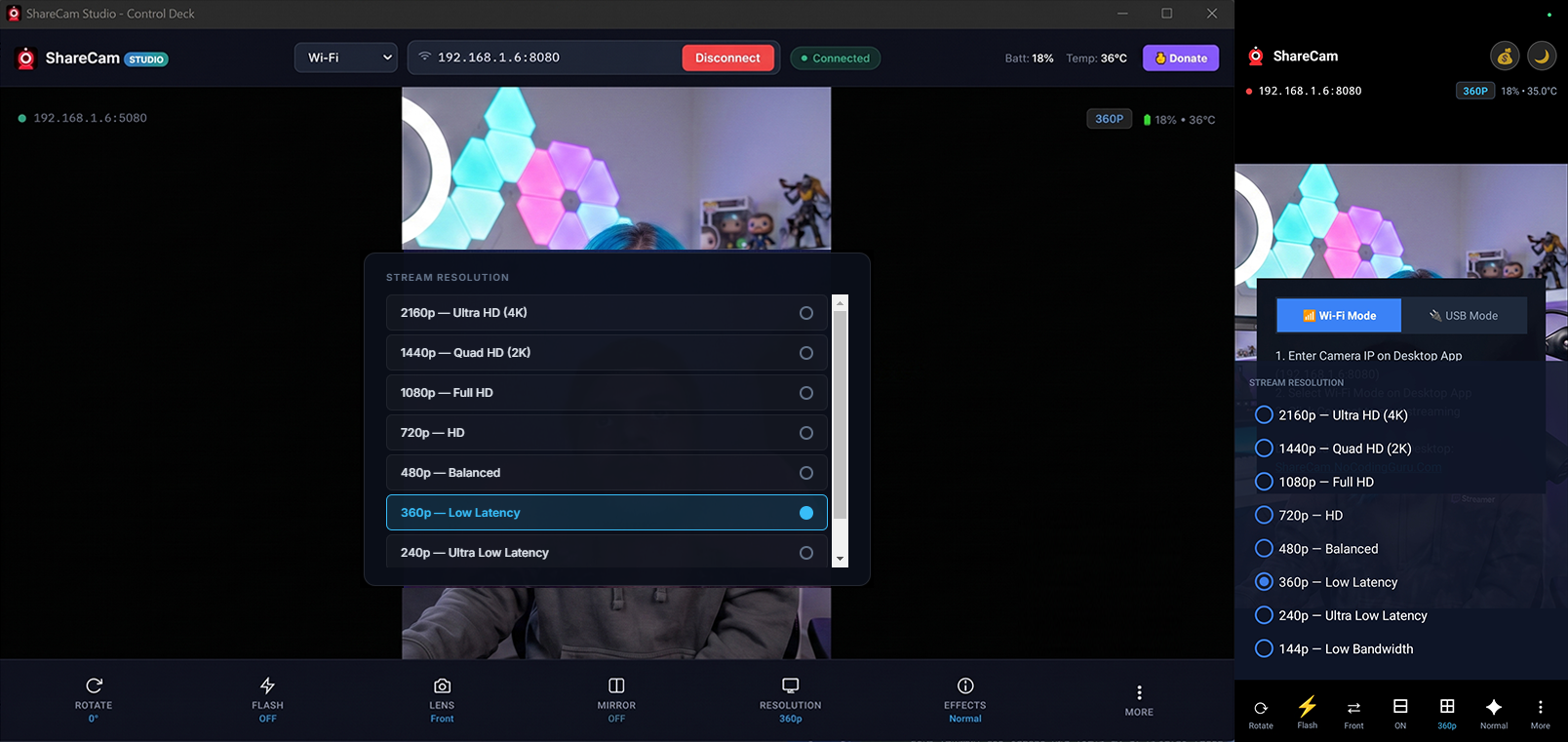
Stream ultra-sharp 4K video and live PCM audio wirelessly to your PC, OBS Studio, and Web Browser with hardware camera controls.
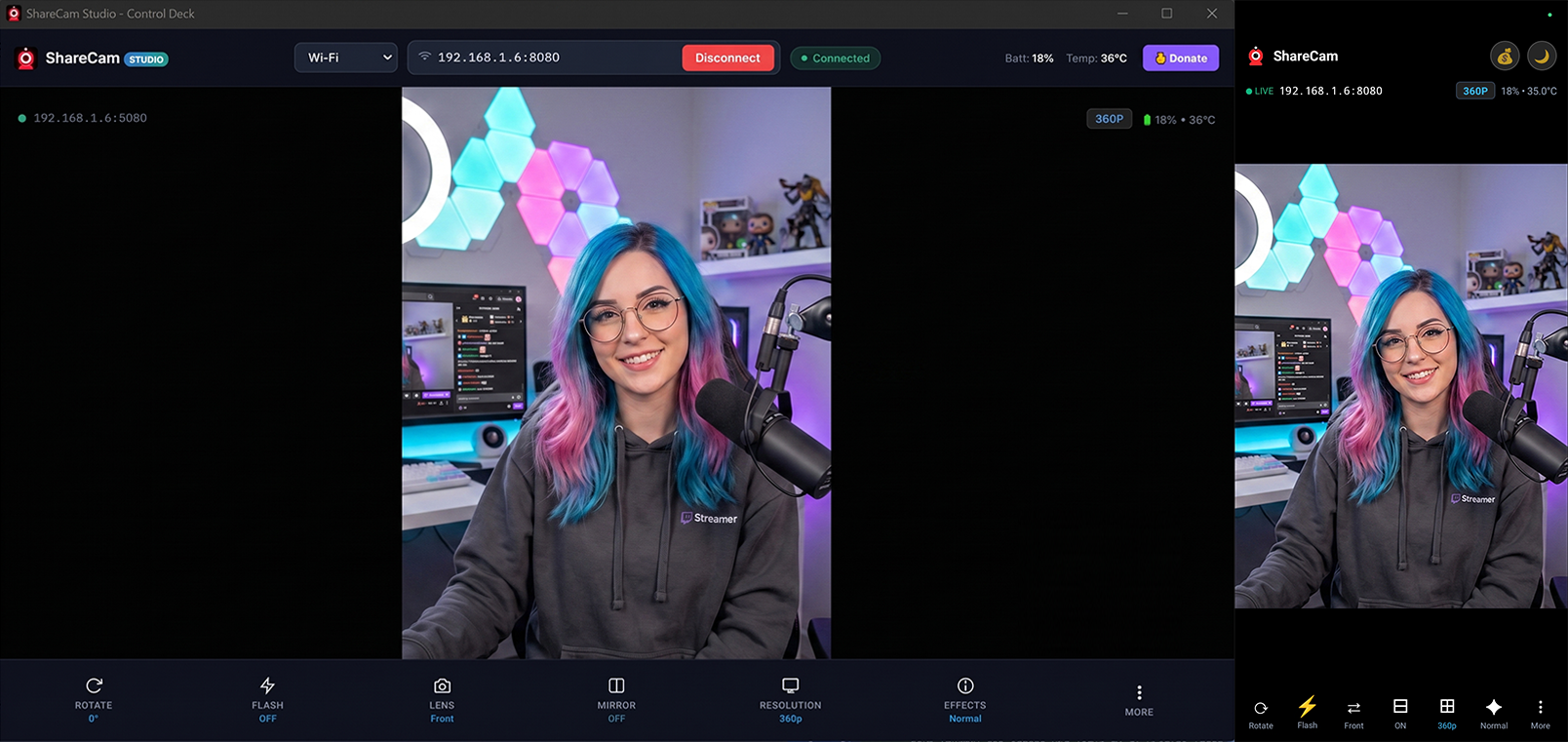
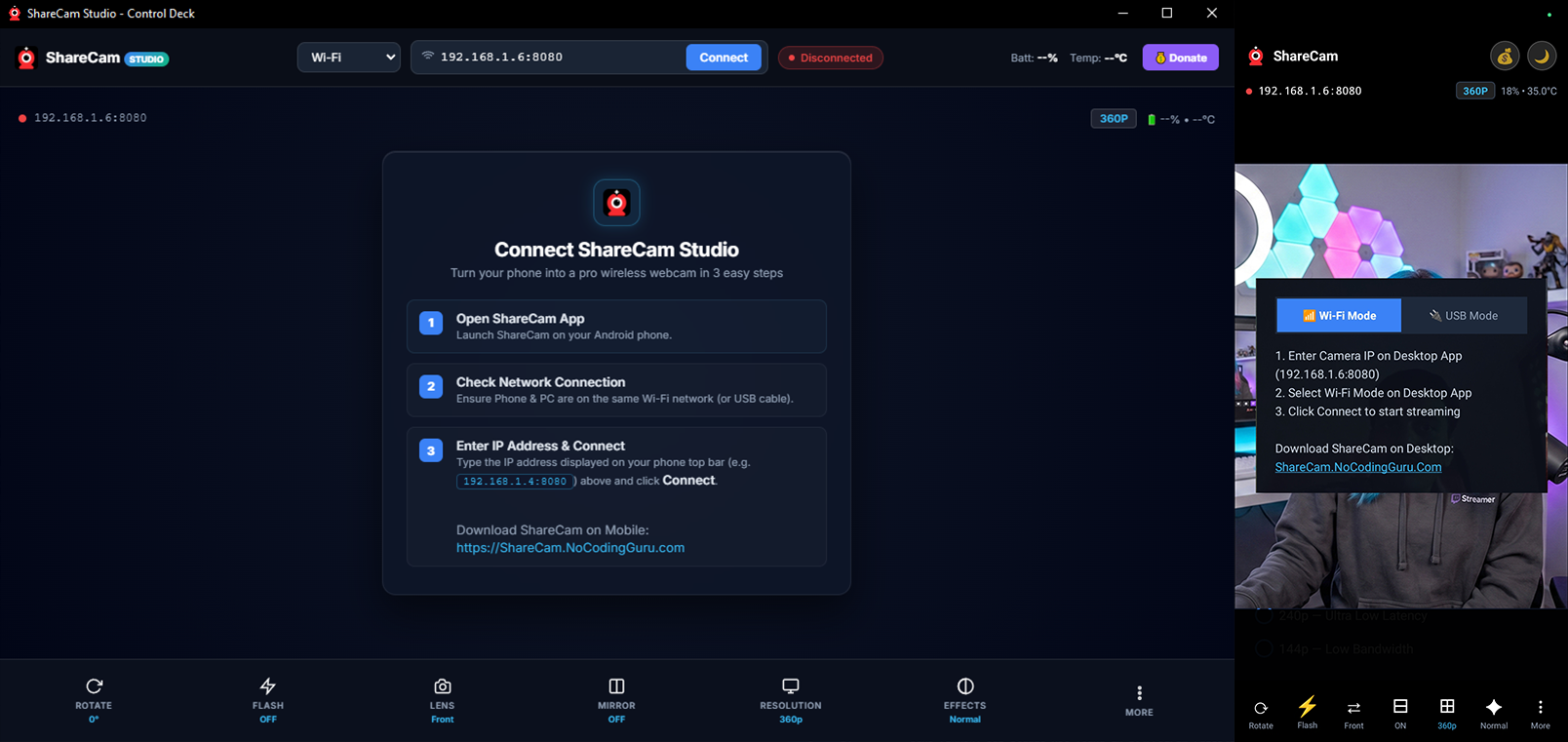
Upgrade your live streams, video calls, and OBS setups without buying an expensive DSLR.
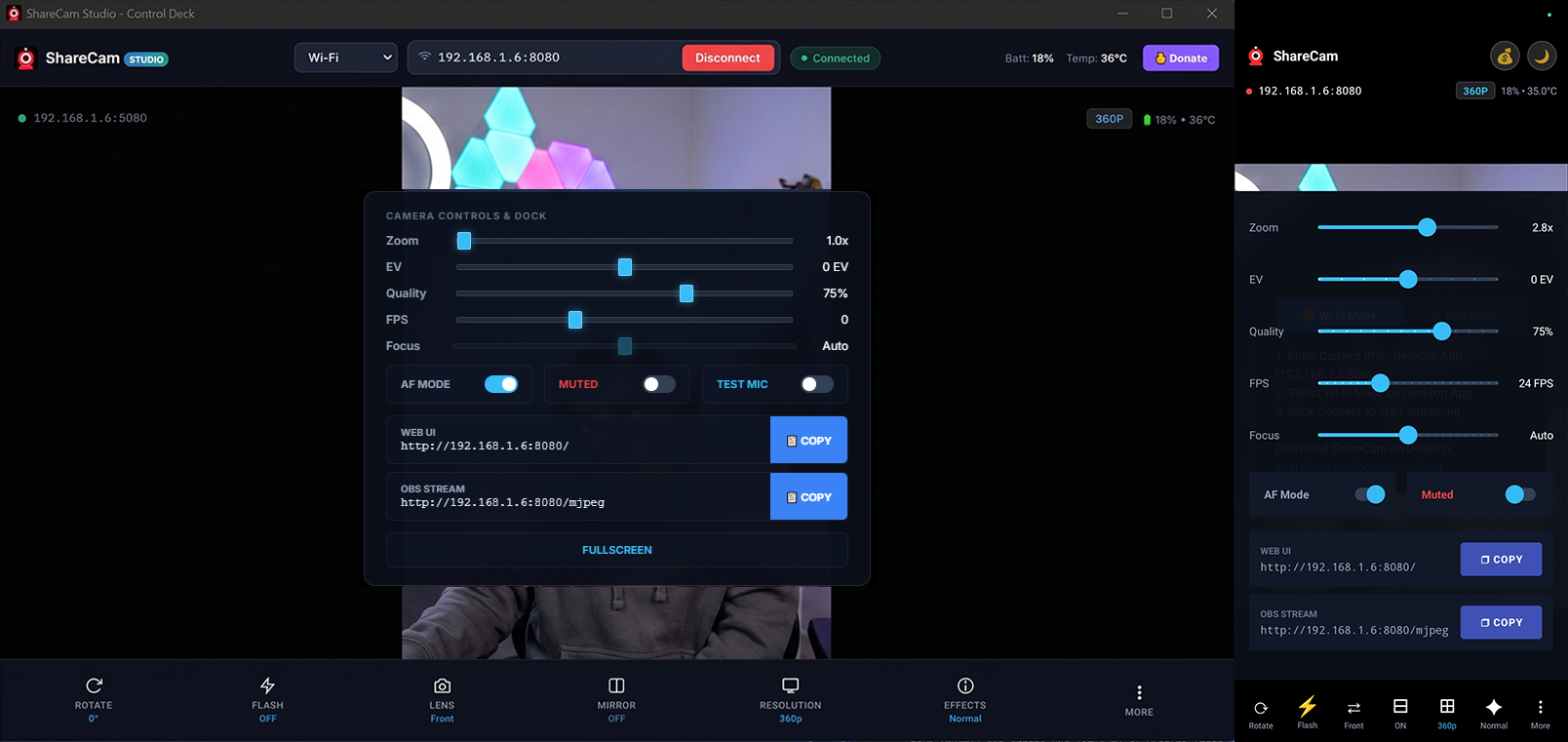
1-click MJPEG Stream URL (`/mjpeg`) ready for direct inclusion as a Media Source in OBS Studio and Streamlabs.
Tap anywhere on your phone, desktop app, or web UI to focus at exact normalized coordinates with visual feedback.
Broadcast phone microphone audio directly via PCM WAV stream (`/audio.wav`) with instant Listen & Mute toggles.
Keep your phone screen off while streaming in the background to save battery and prevent OLED burn-in.
Apply real-time color grading (Vintage, Noir, Teal & Orange) and smooth zoom directly from the desktop.
No internet required. Video never leaves your local network. Everything runs completely locally on your devices.
 ShareCam